User Groups
A user group has a name and a description. All the user groups are listed in the User Groups section, including both active and archived ones.
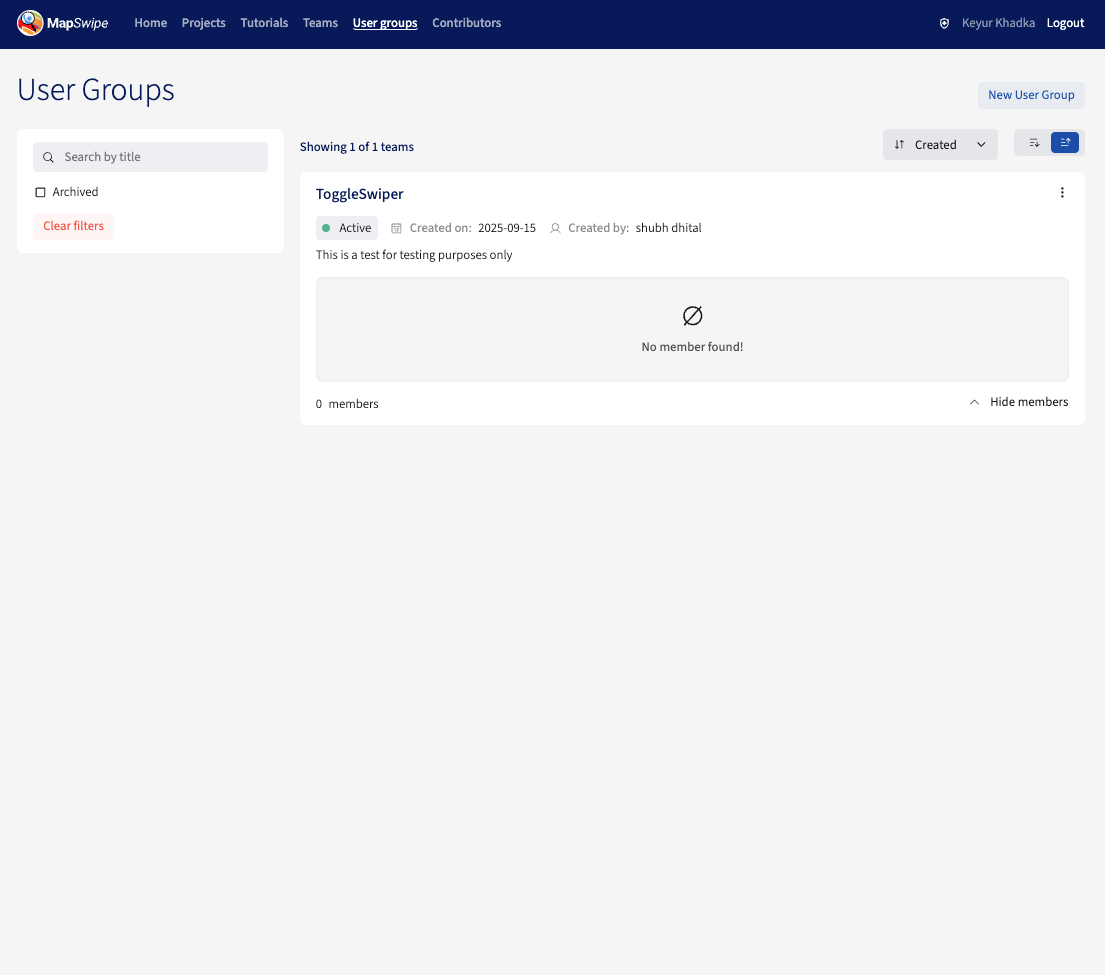
Managers cannot add contributors to a user group — contributors join and leave user groups themselves from the MapSwipe app.
Creating a User Group
Click the New User Group button on the User Groups page and fill in the name and description.
Editing a User Group
Click the options icon next to a user group to update its name or description.
Archiving a User Group
A user group can be archived when it should no longer accept new contributors.
Archived user groups:
- Remain visible in the User Groups listing, tagged
archived. - Remain visible on the community dashboard.
- Cannot be joined by contributors from the MapSwipe app.