Project Type - Assess Images
An image with a bounding box (annotation) surrounding the class set by the project manager is displayed. The same image can have multiple annotations, in which case the same image is displayed again but with a different annotation. Users select one of the custom options set, usually ‘Yes’, ‘No’, ‘Maybe’.
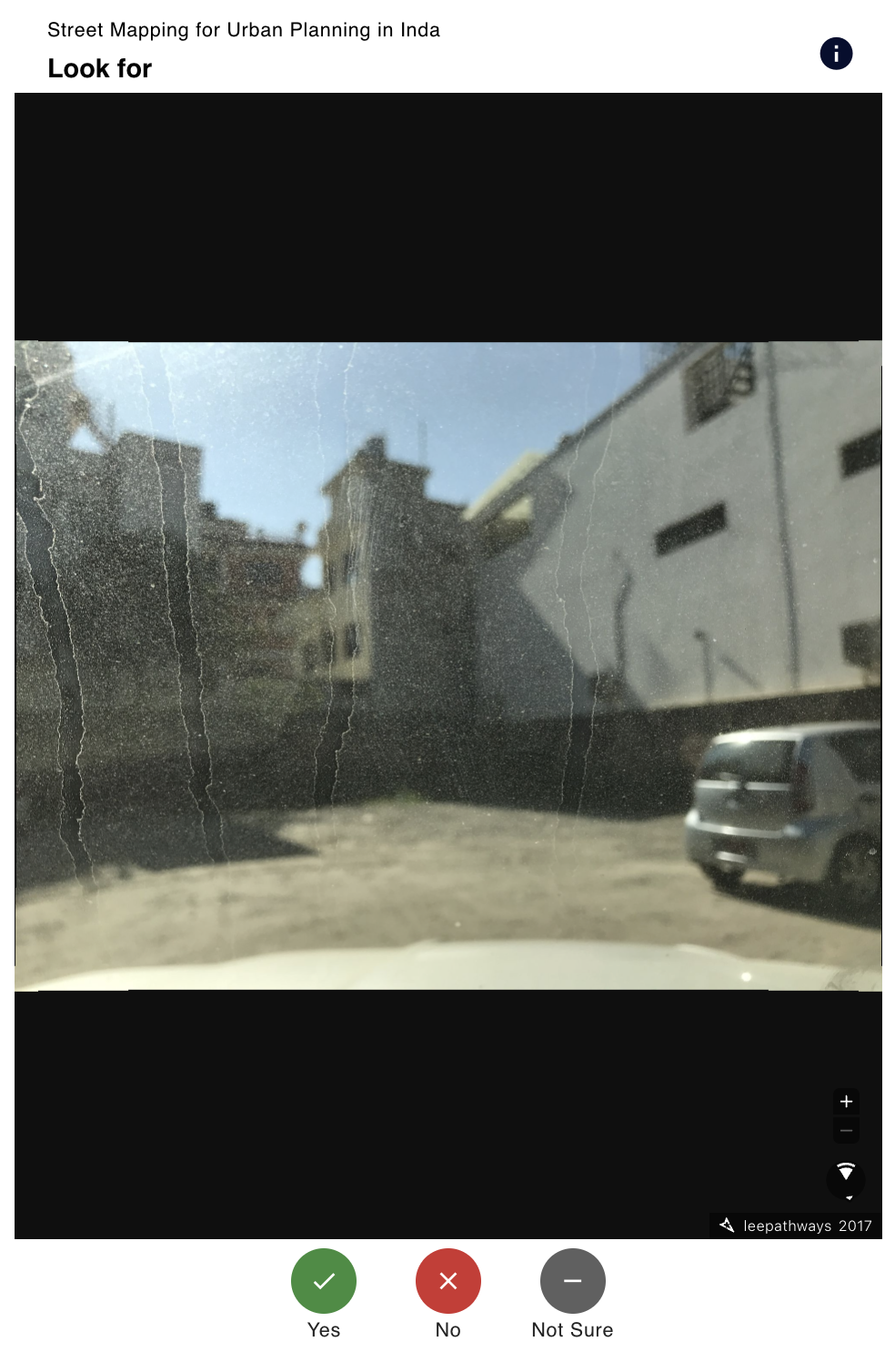
Assess Images projects have projectType = 10 (VALIDATE_IMAGE).
COCO File Format
The Assess Images project type is created using the following sample COCO json file, as shown in the sample dataset.
To build a COCO file from a folder of images you already host, see the helper examples for Google Drive and Dropbox.
Project
Assess Images projects can be supplied with a COCO file.
In addition to the common project fields documented in the data model, Assess Images projects carry the following project-type-specific fields:
| Parameter | Type | Description |
|---|---|---|
| customOptions | list (optional) | Custom answer options shown to the contributor (each with a value, title, description, icon, iconColor, and optional sub-options). Defaults are Yes/No when not supplied. |
Group
Each group contains a set of image tasks generated from the supplied COCO file. Assess Images groups have no project-type-specific fields beyond the common group fields. Each group is identified by:
| Parameter | Type | Description |
|---|---|---|
| groupId | string | ID of the group. |
Task
The task structure of the Assess Images project type varies from the rest — each task references an image and an annotation (bounding box) within that image, rather than a tile coordinate:
| Parameter | Type | Description |
|---|---|---|
| taskId | string | ID of the task. |
| url | string | URL of the image to display. |
| fileName | string | Filename of the source image (from the COCO images.file_name). |
| width | int (optional) | Pixel width of the image. |
| height | int (optional) | Pixel height of the image. |
| annotationId | string (optional) | ID of the COCO annotation (bounding box) being assessed. |
| bbox | list[float] (optional) | Bounding box in COCO format [x, y, width, height] (pixel coordinates). |
| segmentation | list[list[float]] (optional) | Optional polygon segmentation (list of [x, y, …] rings) from the COCO annotation. |
Result
Results follow the common result shape, with results: dict[str, int] keyed by taskId. The integer values come from each custom option’s value defined on the project.
When the project creator does not supply customOptions, the backend falls back to the following defaults:
| Value | Title | Description |
|---|---|---|
0 | No | The image does not contain the feature. |
1 | Yes | The image contains the feature. |
2 | Not Sure | It’s not clear if the image contains the feature. |