Teams
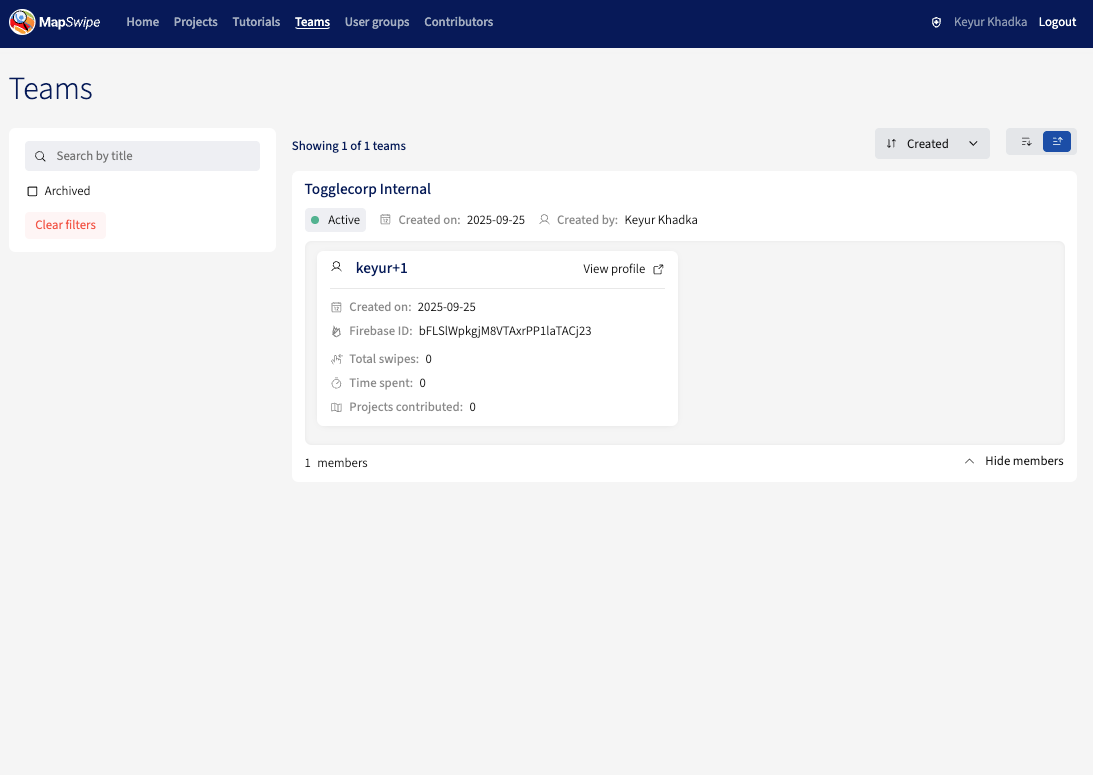
The Teams page lists all the teams along with their members, including both active and archived ones. Only super admin has the ability to add a team that will be displayed here.
Team Membership
Only super admins can add or remove users from a team. If you would like to add or remove a team member, please reach out to the super admin with the following information.
- Full name
- Organisation name
- Contributor username
- Contributor email address
- Community dashboard profile link
- In case of OSM user, OSM id (eg: osm:12489)
- Team name
Project Visibility
Teams scope which projects a contributor sees:
- A contributor added to a team will only see projects belonging to that team — other projects become invisible to them.
- A project created under a team is only visible to members of that team.
Archiving a Team
A team can be archived (by the super admin) when it should no longer be available for new projects.
Archived teams:
- Remain visible in the Teams listing, tagged
archived. - Are hidden from the team picker on the project creation form — they cannot be assigned to any new project.