Use Cases
How to identify “good” mapping tasks for MapSwipe
MapSwipe projects can cover large areas in comparison to other mapping approaches, e.g. using the HOT Tasking Manager. Nevertheless, the level of detail of the resulting information you can expect from the resulting data will be lower than using the data from OpenStreetMap.
Here is a list of characteristics that apply to many projects we have in MapSwipe and that may also indicate how suitable your project is for MapSwipe:
- The features you want to map are relatively easy to spot and distinguish from other objects on a satellite image with a resolution of around 0.3–0.5 meter.
- You are interested only in a limited number of object types — the ideal case is 1 object type per project.
- The area is large, larger than projects you usually see in the HOT Tasking Manager.
- The features you want to map cover only some parts of the whole area (e.g. the built-up area is often less than 10% of the whole project area).
Building Mapping
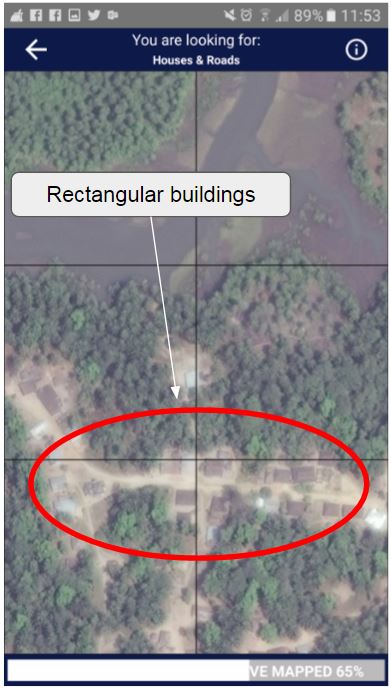
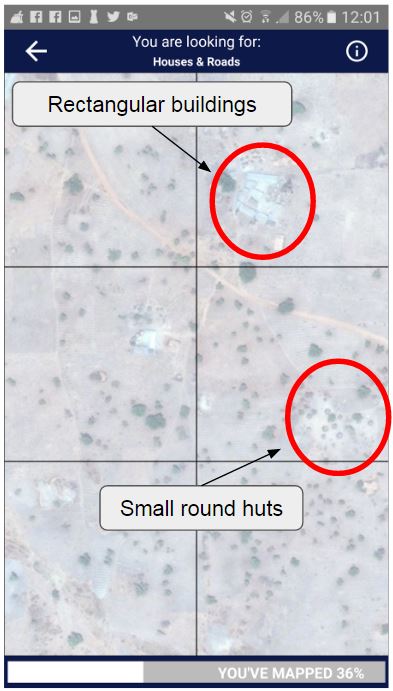
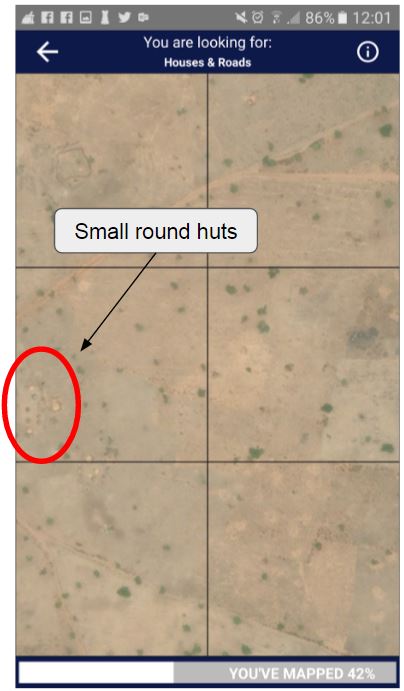
This has been the focus for most MapSwipe projects. Buildings are relatively easy to spot, since their shape is familiar to most MapSwipe users. However, not all buildings look the same. Some have a rectangular shape, but others are round or built of clay, which makes it difficult to distinguish buildings from the ground. Sometimes trees can also look like a building.
Building mapping can be done at zoom level 18 or higher.
Landcover Mapping — e.g. Mangroves
MapSwipe can be used to map other land cover classes or features besides buildings. We have explored using the MapSwipe approach to map mangrove forests in southeast Asia. The difficult part is distinguishing mangrove forest from other vegetation types such as grassland or land used for agriculture.
Landcover mapping can be done at various zoom levels depending on the size of the features of interest. For forest mapping you may choose a lower zoom level, whereas more fine-grained features require a higher zoom level.
OpenStreetMap Data Validation
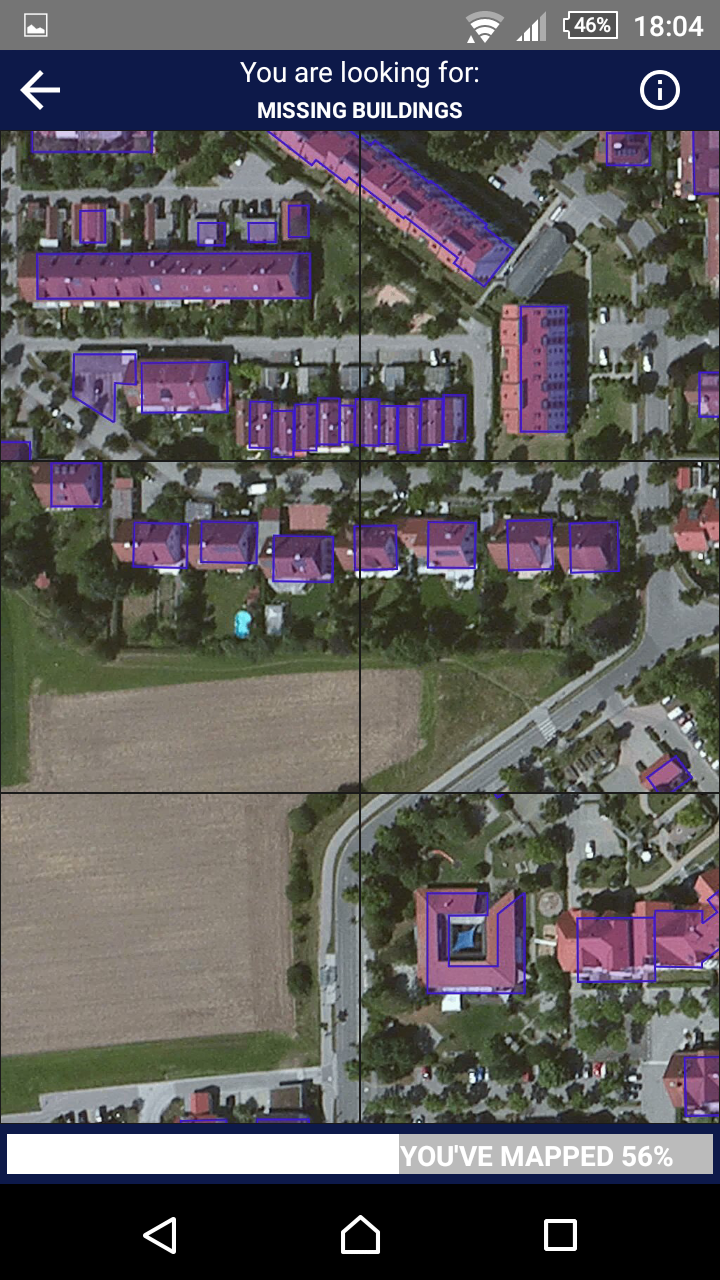
In the initial phase, data from MapSwipe can support detailed mapping in OpenStreetMap. We can also turn MapSwipe into an OSM data validation tool — by combining satellite imagery and OSM data into one image we can check the completeness and quality of existing OSM data.
This approach can be used to quickly assess areas where new satellite imagery has become available and where existing OSM data needs updating.
Custom tiles for these types of MapSwipe project can be generated using Mapbox Studio, where you can style the OSM data overlay and choose several base layers.