Organisations
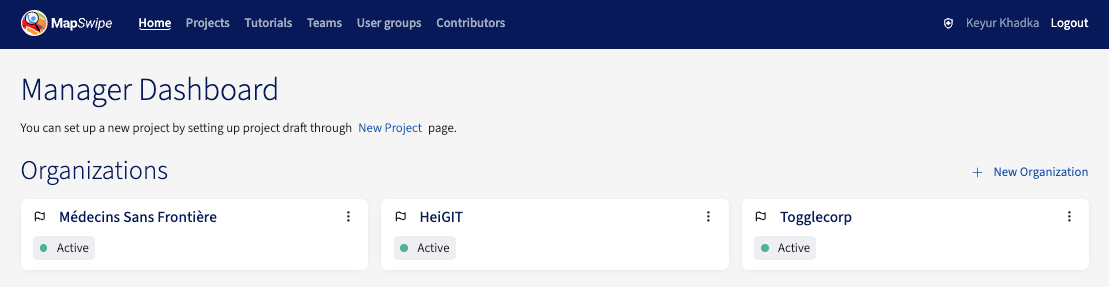
An organisation has a name, an abbreviation, and a description. All the organisations are listed in the Organisations section of the home screen, including both active and archived ones.
Managers cannot add contributors to an organisation — contributors join and leave organisations themselves from the MapSwipe app.
Creating an Organisation
Click the New Organisation button on the Organisations section of the home screen and fill in the name, abbreviation, and description.
Editing an Organisation
Click the options icon next to an organisation to update its name, abbreviation, or description.
Archiving an Organisation
An organisation can be archived when it should no longer be available for new projects. Archived organisations:
- Remain visible in the Organisations listing, tagged
archived. - Remain visible on the community dashboard.
- Are hidden from the organisation picker on the project creation form — they cannot be selected for any new project.